
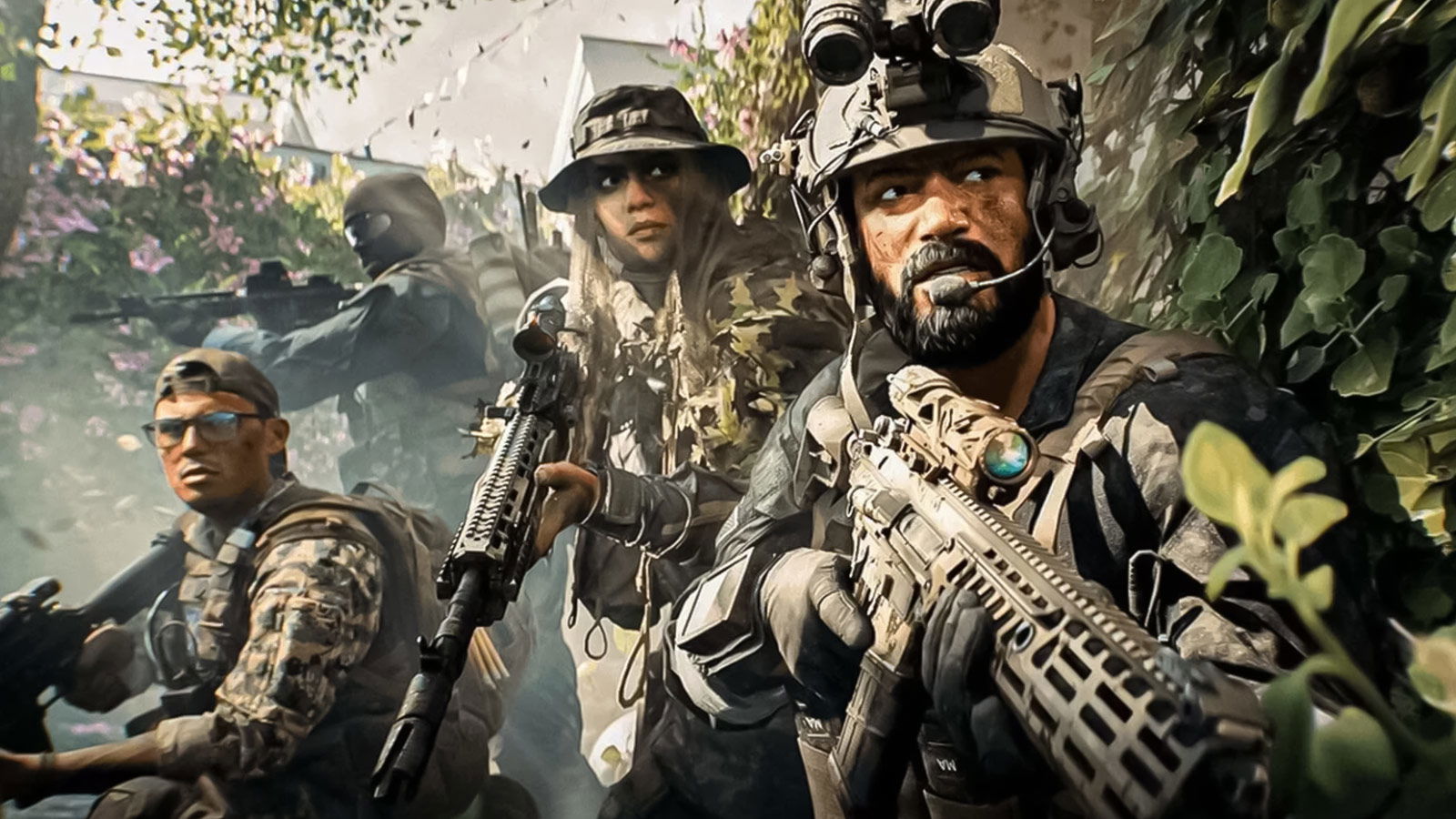
Battlefield 6 is finally out in full, and the servers are quickly filling up with players who want to have fun and be the best at the game. If you’re looking to become a sharpshooter in EA’s latest entry in the Battlefield franchise, you’ll need to learn how to use the Range Finder.
With its huge maps and constant warfare, landing that perfect headshot requires more than just good aim. To be the best sniper, you need to have mastery of your tools. And the most important tool is the Range Finder. Here’s how to use it effectively in Battlefield 6 and understand why it’s one of the best accessories for snipers.
How to Use the Range Finder in Battlefield 6
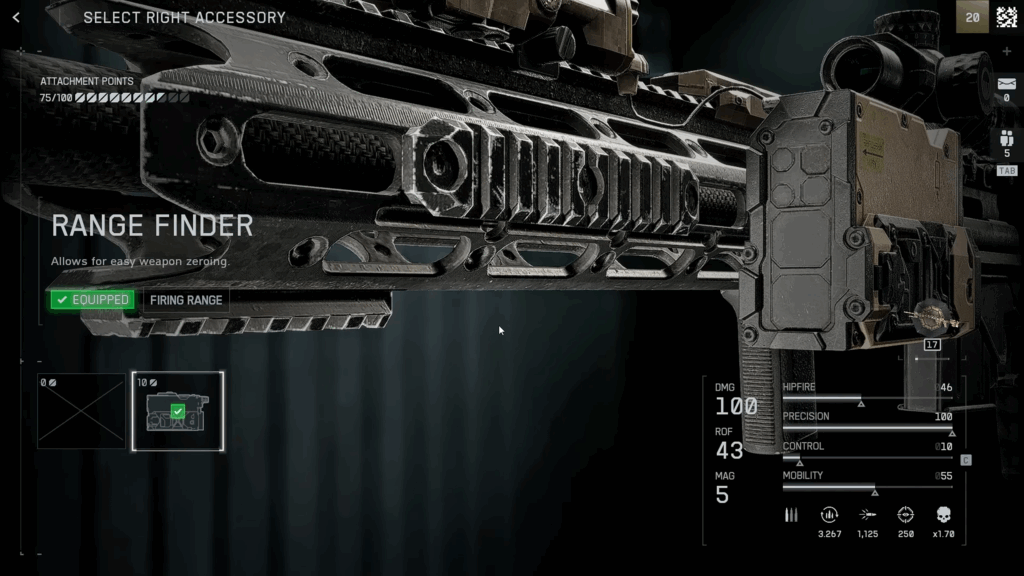
Once equipped, the Range Finder will automatically calibrate your scope based on the distance to your target. To activate it, hold “B” on PC or press Down on the D-Pad on consoles while aiming through a magnified optic. You’ll see the calibration value, ranging between 100 and 500 meters, displayed above your ammo counter.
Battlefield 6 is absolute cinema y’all 😭
— Synth Potato🥔 (@SynthPotato) October 10, 2025
Jets flying over, Explosions, proper battle lines being pushed back and forth, actual big sized maps and it looks gorgeous.
And it actually WORKS at LAUNCH, I don’t think this has happened in like a decade with a BF game pic.twitter.com/t5WsiJsfIK
One thing you should know is that Snipers can’t zero below 100 meters, but you can adjust in 100-meter increments for mid-to-long-range fights. When properly calibrated, the bullet will travel exactly to where your crosshair is aimed, so you won’t need to aim higher to counter gravity or bullet drop.
If you’re not using the attachment or haven’t unlocked it yet, you can still manually zero your scope by pinging your target to estimate the distance and then adjusting with the same input keys. It’s less precise and slightly slower, but you can save the attachment points for something else that you need.
For the best results, you should re-zero frequently as you move around different parts of the map. Since terrain elevation and your distance to targets constantly change, you’ll want your zeroing to be up to date so that you never miss a shot.
How to Unlock the Range Finder and Compatible Weapons
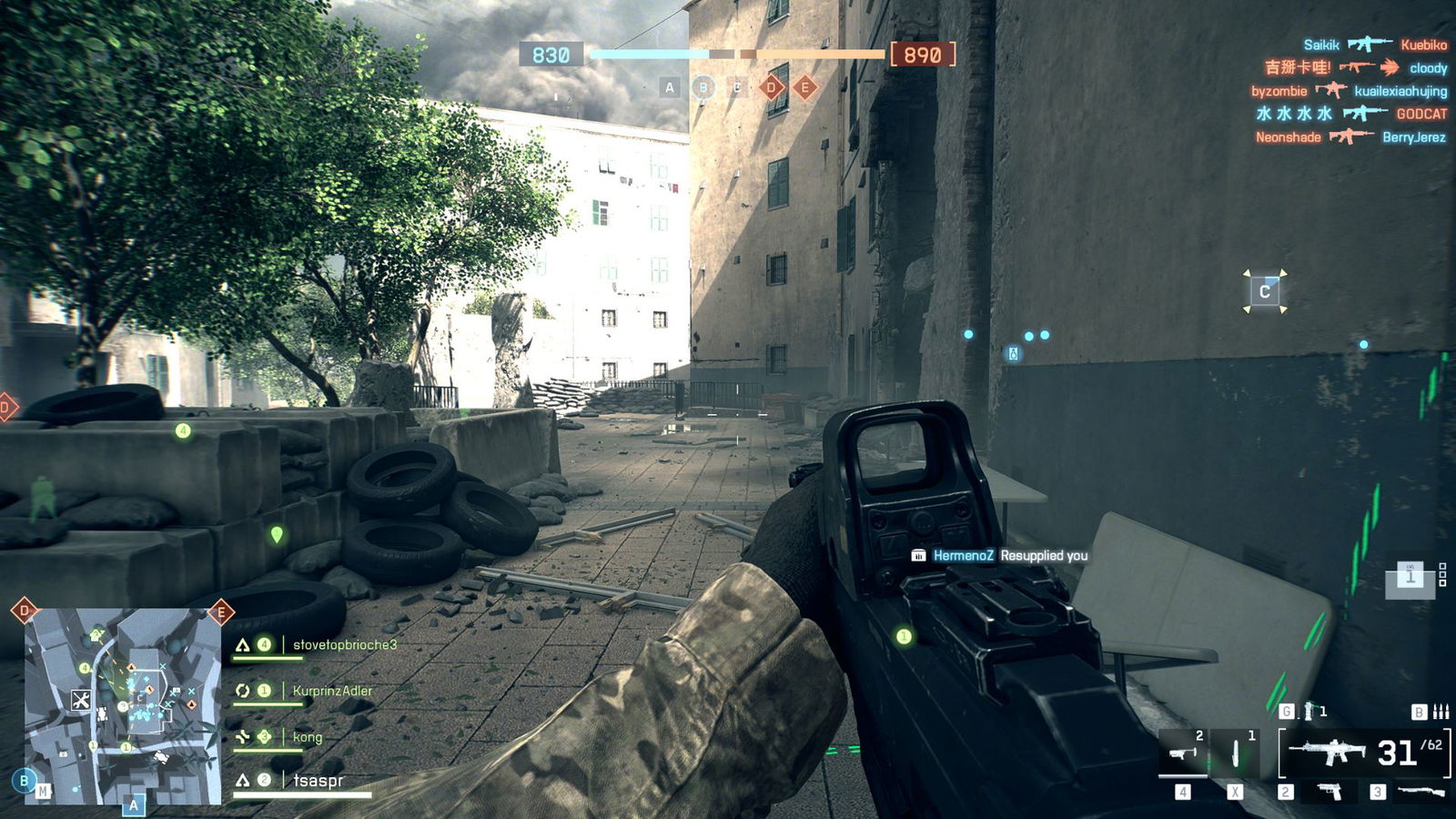
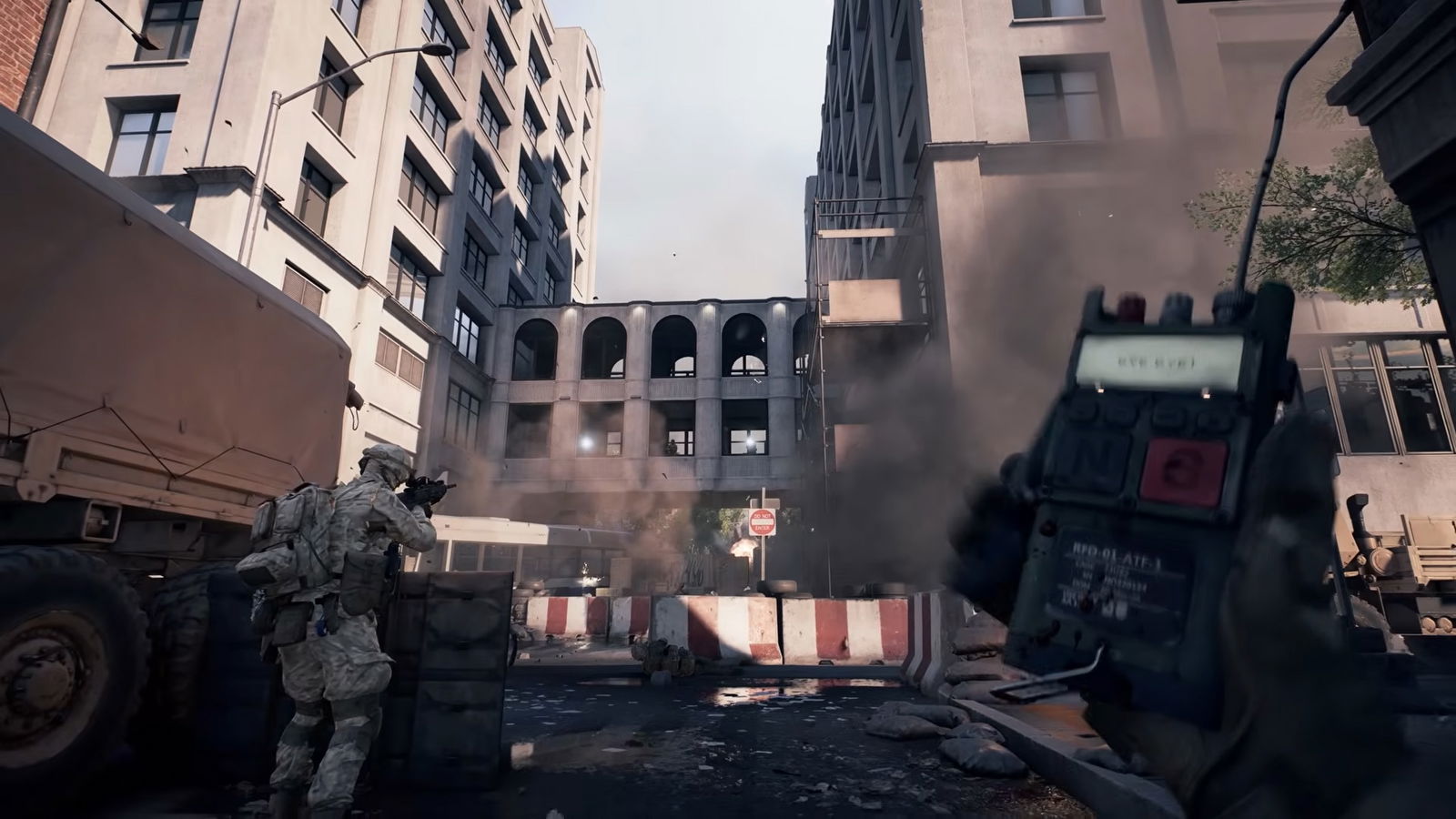
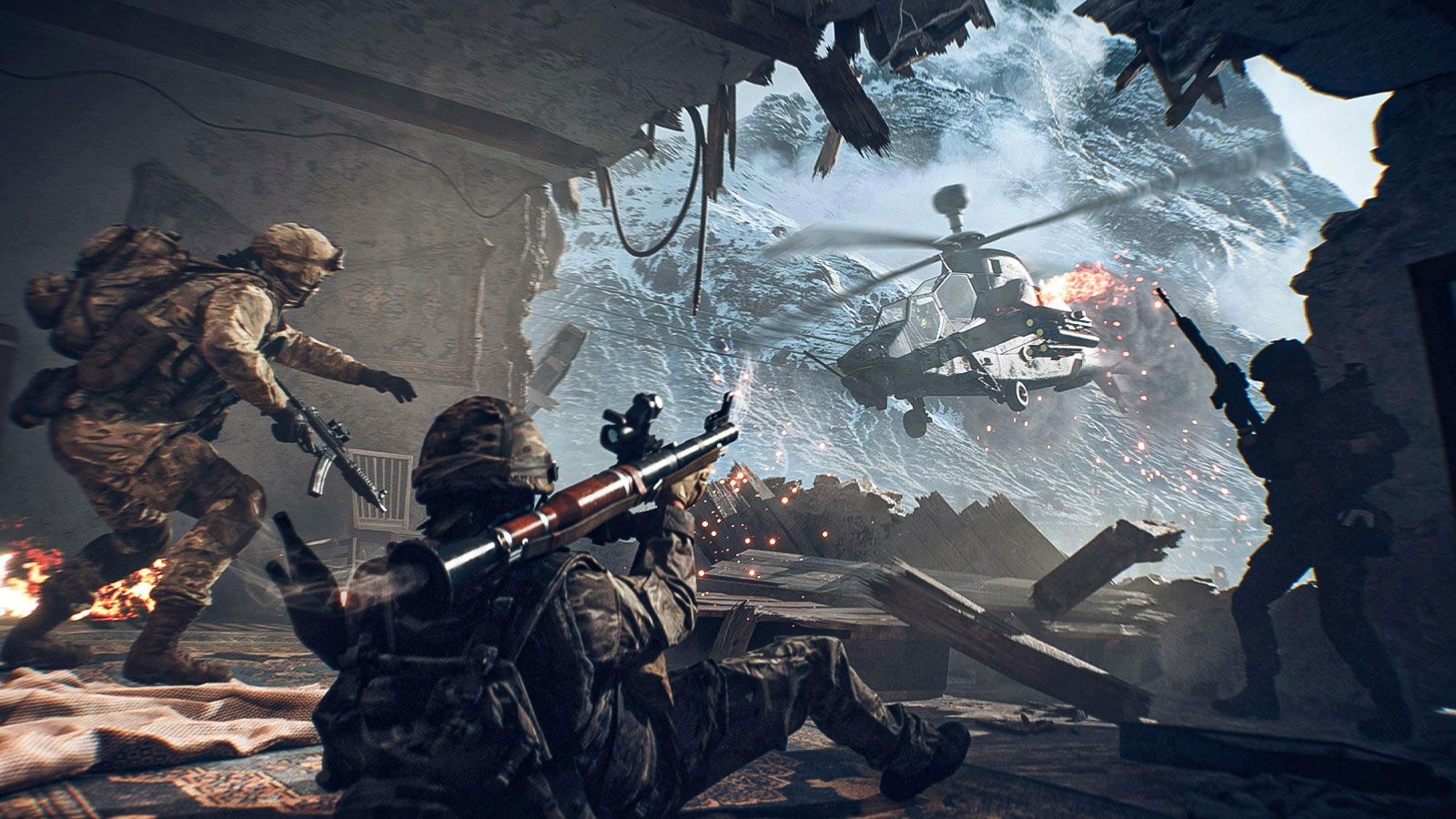
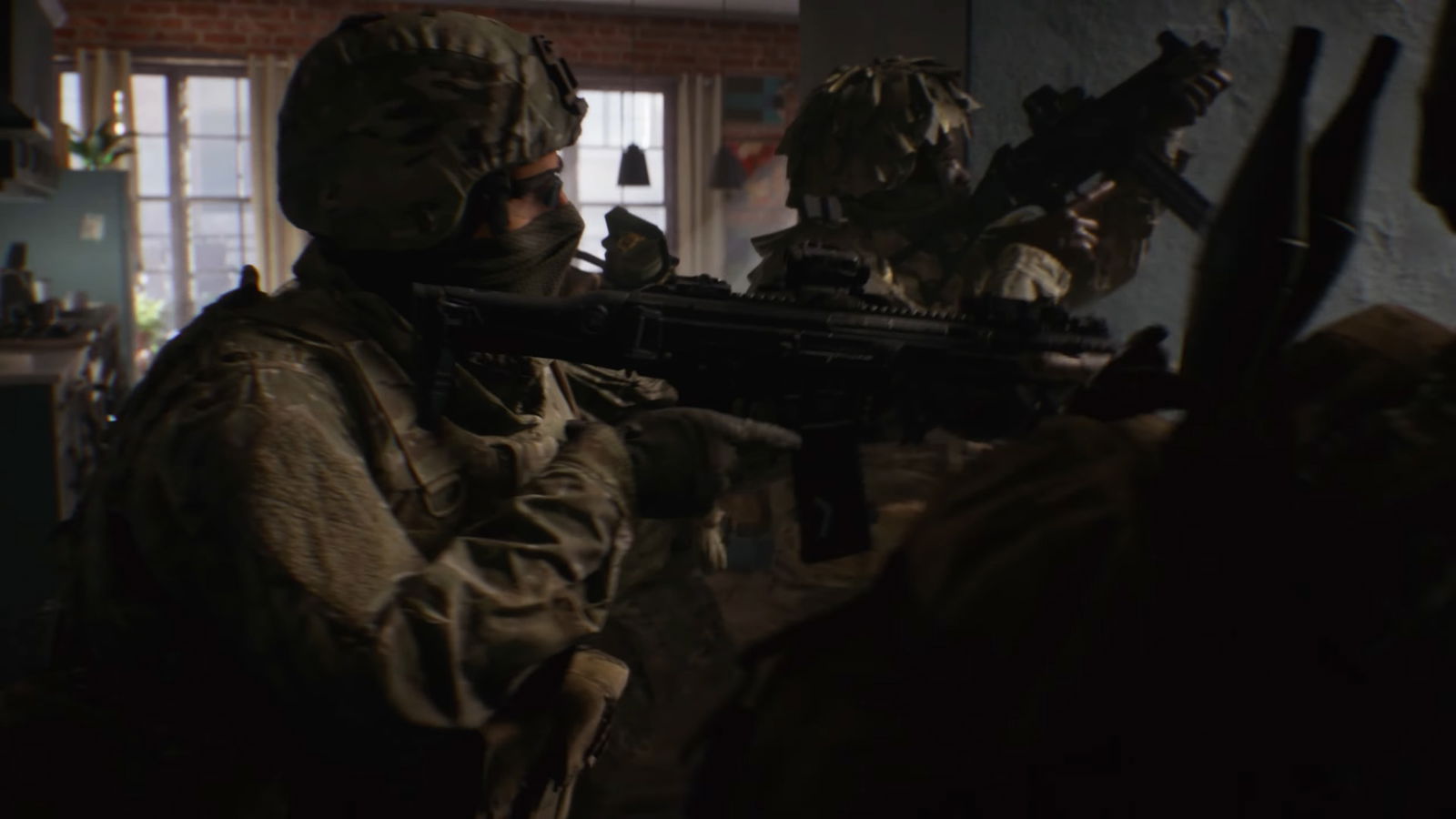
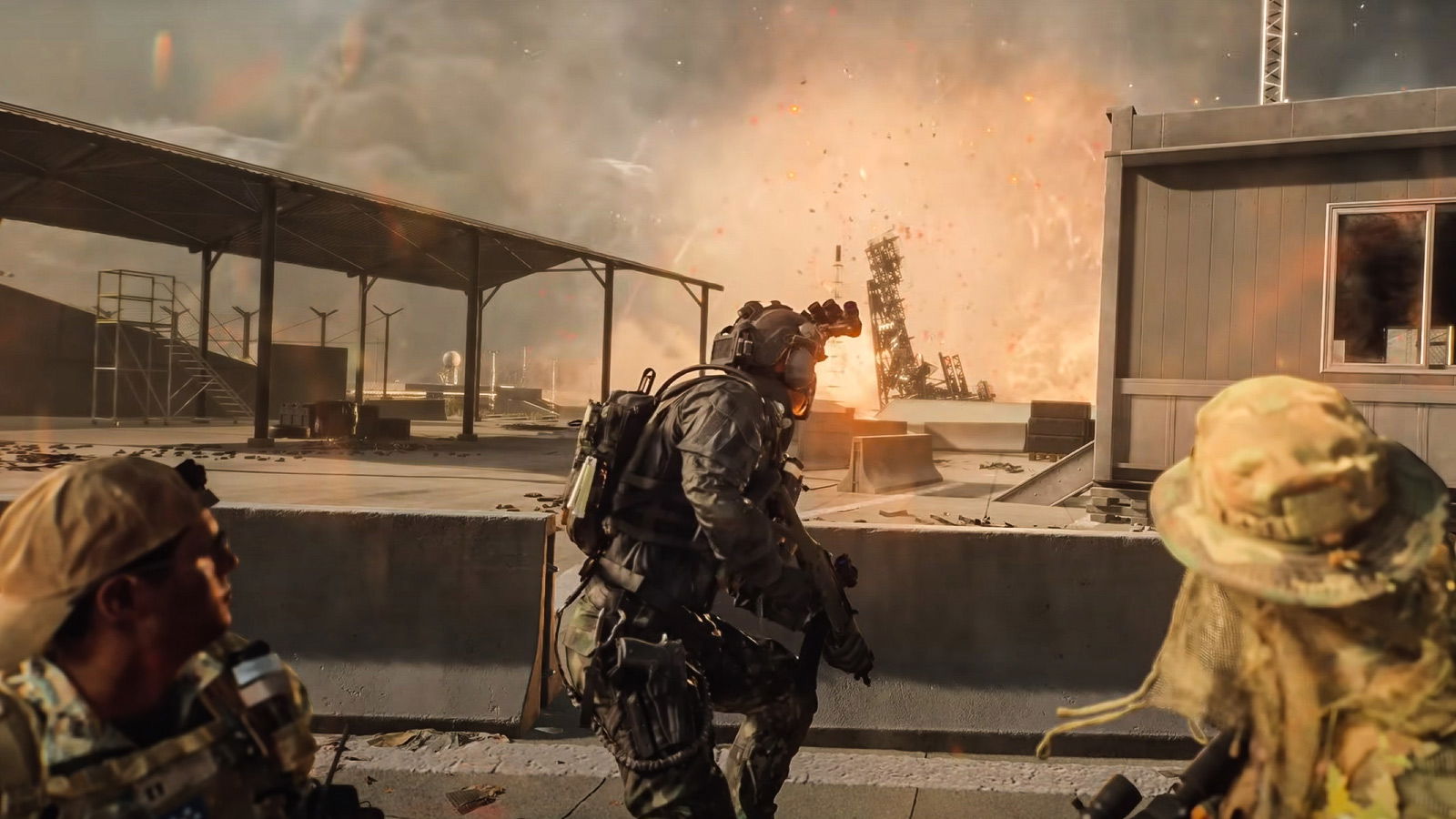
Unlocking the Range Finder in Battlefield 6 requires a bit of grinding, but it’s well worth it. It unlocks once you reach Rank 4 Mastery with compatible rifles. For snipers, this includes the M2010 ESR, SV-98, and the PSR, while DMR users can unlock it for the M39 EMR, LMR27, SVK-8.6, and the SVDM.
Despite some initial problems, #Battlefield6 has hit 747,440 concurrent players on Steam alone in just 1 hour and 40 minutes after release, becoming the 14th most-played game so far on this platform. pic.twitter.com/d7ALnXC5MQ
— Battlefield Bulletin (@BFBulletin) October 10, 2025
Once unlocked, it can be equipped via the Right Accessory slot in your weapon customization menu. The Range Finder costs 10 Attachment Points, so plan your build carefully if you’re also using other important attachments like the suppressor or the DLC Bolt.
To equip the Range Finder:
- Open the weapon customization menu.
- Navigate to the Right Accessory slot.
- Select the Range Finder once it’s unlocked.
- Confirm your loadout and head into a match to test your calibration.
While the attachment slightly assists aim by fine-tuning scope alignment, it’s not some kind of aim assist or anything. So if you thought using it would give you better sniping automatically, it won’t.
If you’re all hyped and excited to be the best sniper in Battlefield 6, then you’re not alone right now. Within hours of its release, the game surpassed 740,000 concurrent players on Steam, peaking at 747,440, according to SteamDB.
What do you think about the Battlefield 6 full release so far? Are you enjoying your time? Let us know in the comments!
This post belongs to FandomWire and first appeared on FandomWire
from FandomWire https://ift.tt/hy59vbo


No comments: